Desktop
ReadyOTPeer Authenticator for macOS, Windows, and Linux.
 OTPeer
Authenticator
OTPeer
Authenticator
Open source Local vault P2P sync
Open-source two-factor authentication (2FA) with serverless peer-to-peer sync. Your codes stay on your devices — no cloud, no account, no telemetry.
Same encrypted vault logic across CLI and Desktop. Mobile is on the way.
OTPeer Authenticator for macOS, Windows, and Linux.
Live codes in your terminal via npm.
npm install -g authenticator-clui
React Native for iOS and Android — App Store, Play, and F-Droid planned.
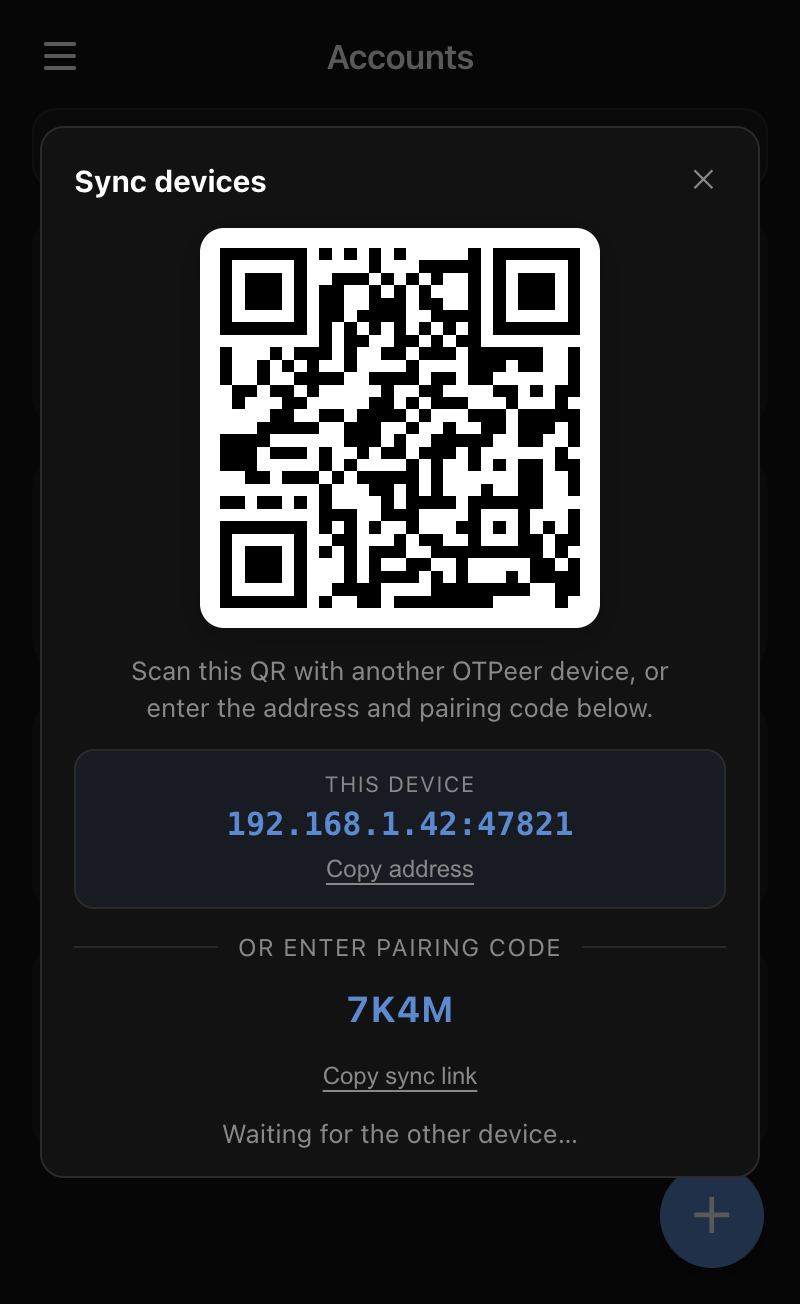
Pair two devices with a QR code and merge vaults directly over your local network. No relay, no middleman — your secrets never touch the internet.
Latest build from GitHub Releases. Pick your platform if auto-detect is wrong.
Most authenticator apps route your two-factor secrets through someone else's cloud. OTPeer doesn't.
| Feature |
OTPeer
Authenticator
|
Google Authenticator | Authy Twilio |
|---|---|---|---|
| Open source | Yes | No | No |
| Where your codes live | Only your devices | Google's cloud when backup is on | Authy's servers |
| Sync method | Peer-to-peer over your network | Google Account | Authy cloud |
| Account required | None | Google Account for backup | Phone number |
| Telemetry | None | Yes | Yes |
| Desktop + CLI apps | Yes | No | Desktop discontinued |
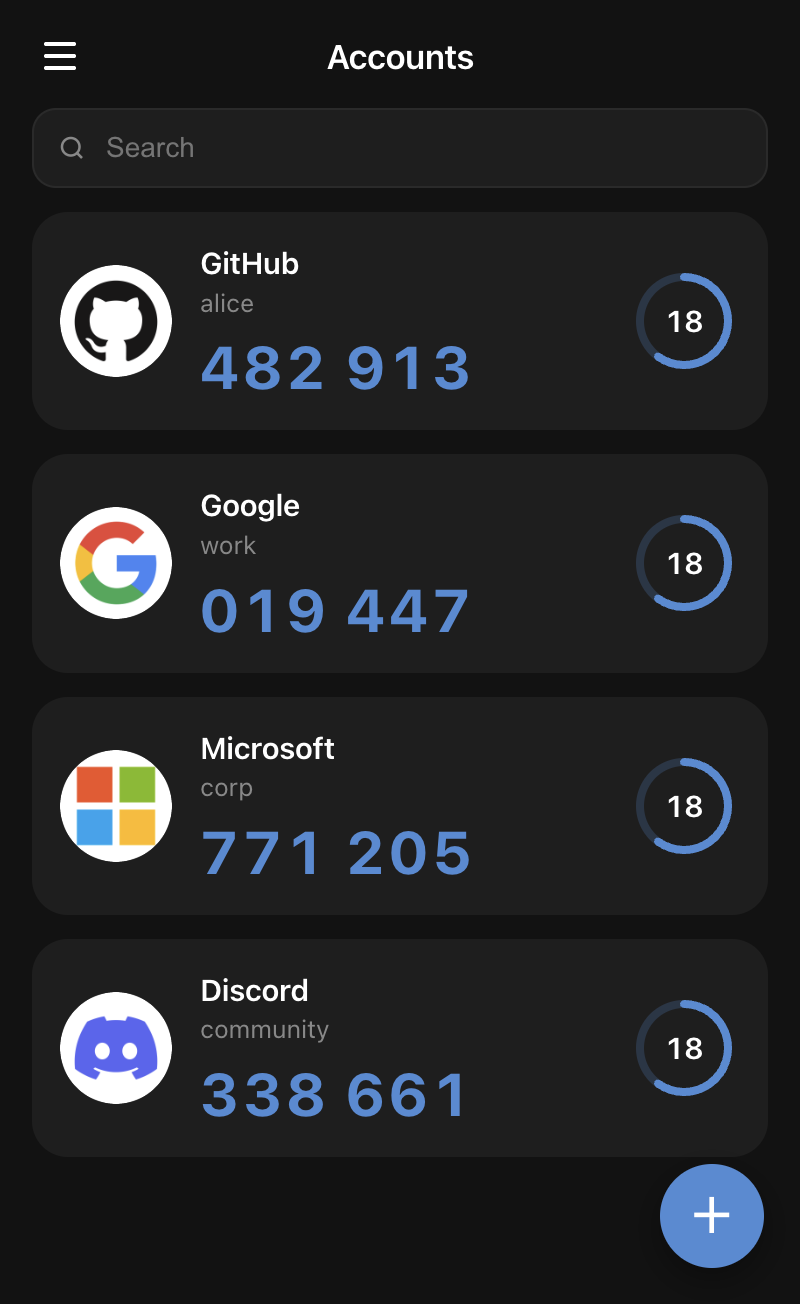
OTPeer Authenticator is a free, open-source authenticator that generates TOTP two-factor (2FA) codes on desktop (macOS, Windows, Linux) and in the terminal via CLI. Your encrypted vault lives on your devices and syncs peer-to-peer — no cloud, no account, no telemetry.
You pair two devices with a QR code (or a short pairing code), and they merge vaults directly over your local network. There is no relay and no backend server — your secrets never touch the internet.
Every synced device holds a complete copy of your vault, so any other paired device keeps working and can pair a replacement. Keep at least two devices in sync, or keep an encrypted export as a backup.
Yes. OTPeer imports Google Authenticator, Microsoft Authenticator, and Facebook export codes, plus backups from Aegis, 2FAS, and andOTP.
Yes. Your vault is stored locally and protected with AES encryption when you set a password. Nothing is uploaded anywhere, and there is nothing to sign up for.